Black Clover:
Arise
A community-built Black Clover RPG. Gather your mages and return to the Clover Kingdom.
An independent community project, in development.
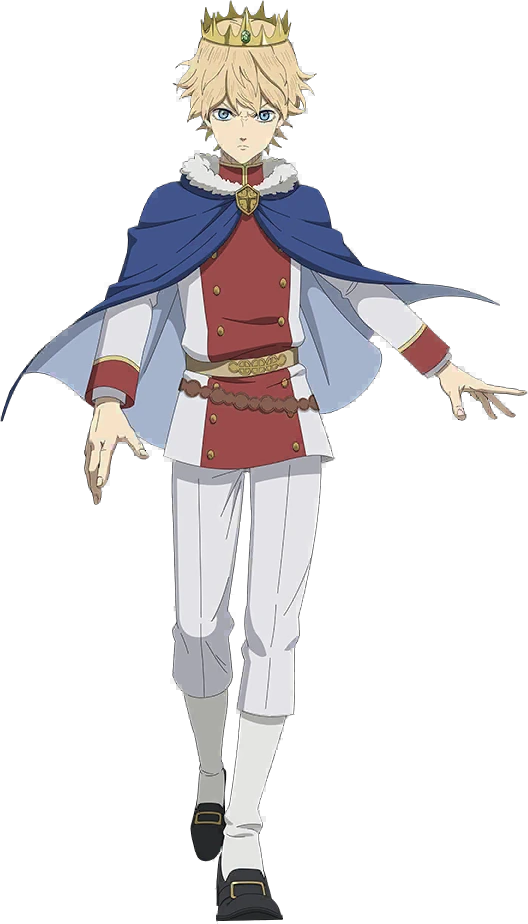
Grimoires, magic and a community ready to return.
Explore the gameChoose your legend
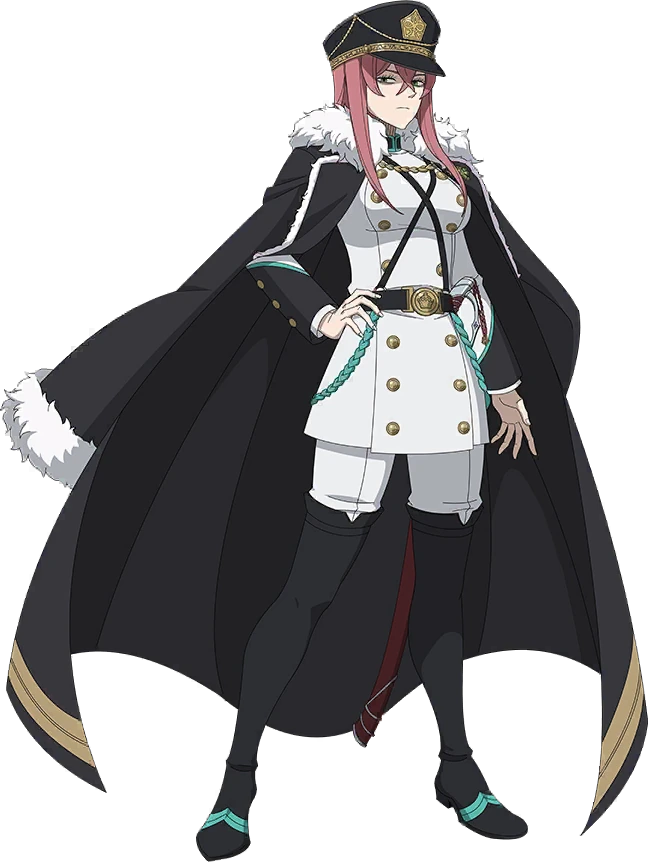
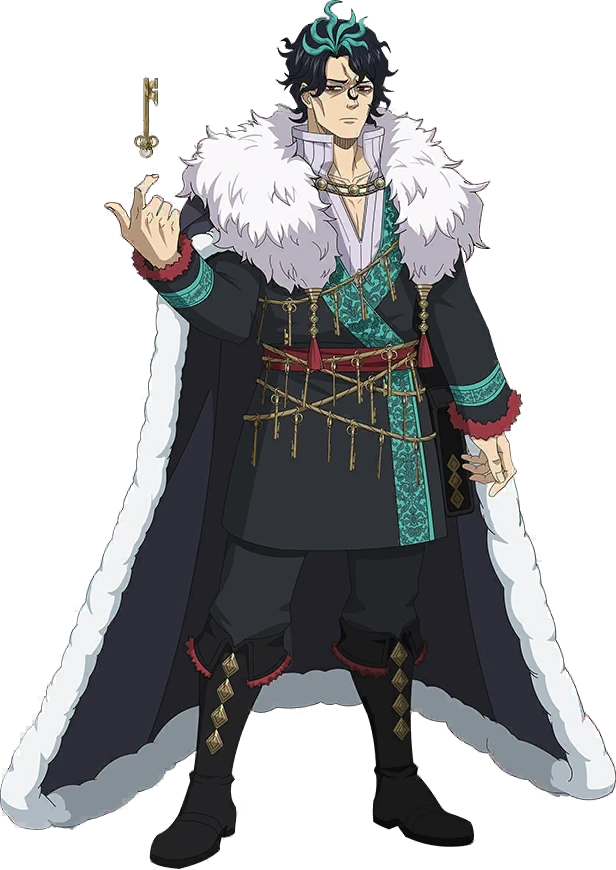
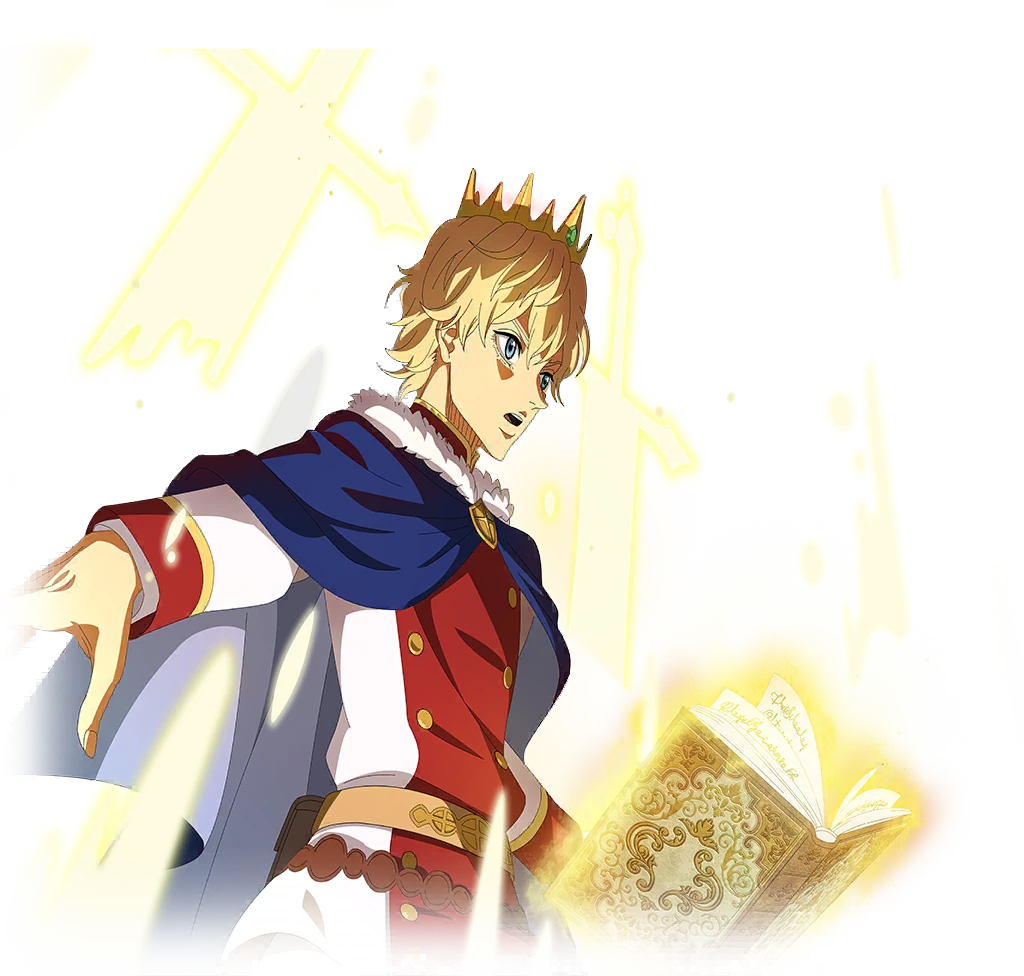
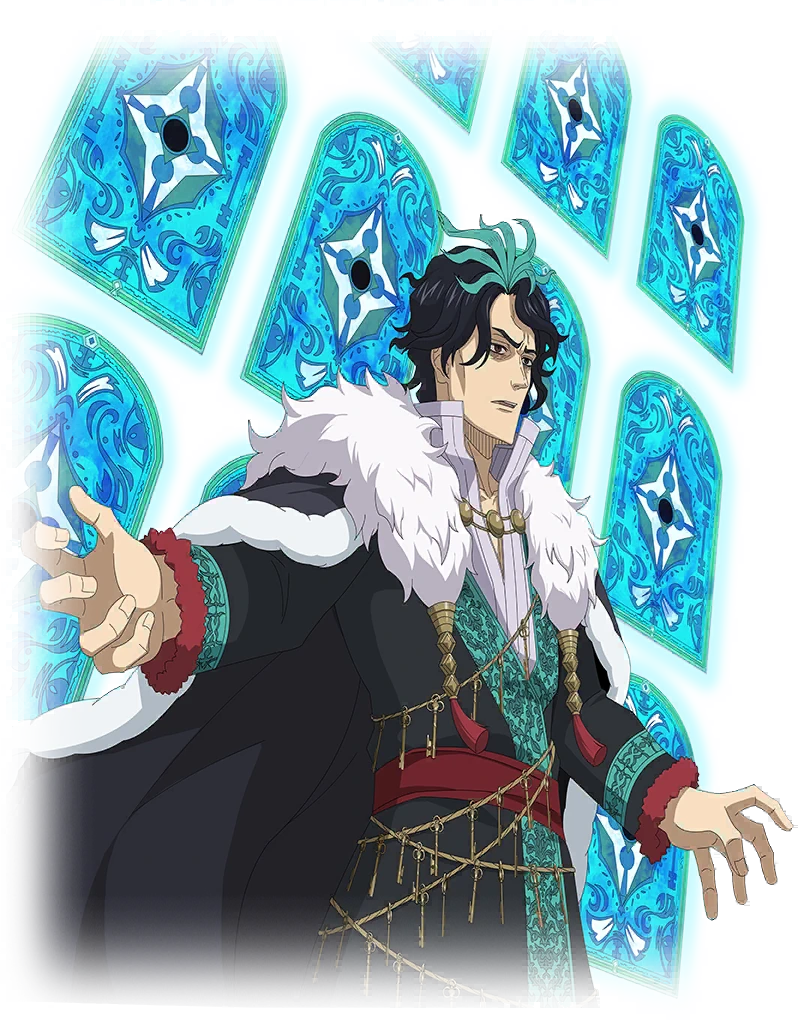
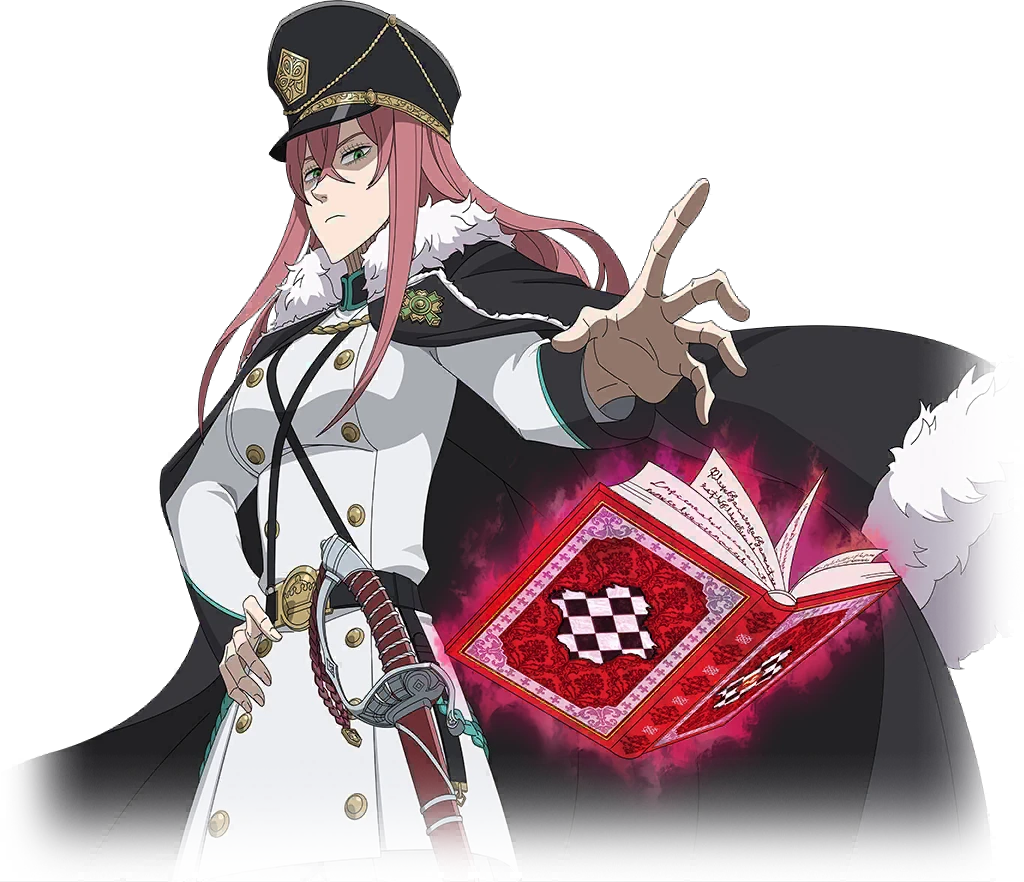
Grimoires, ambition and a presence that changes the battlefield. Choose a Wizard King for a closer look.
The first Wizard King
A name that became the symbol of an era. Light, hope and the legacy of protecting the Clover Kingdom.
An unshakable will
A former Wizard King carrying his own vision of the world. His story belongs to the legends of Clover.
The presence of a ruler
Imposing, determined and impossible to ignore. One of the striking figures among the former Wizard Kings.

Magic
begins again
The bonds, the rivals and the will to go further. Return to the world of Black Clover and become part of Arise.
Inside Clover
Build your team. Choose your next battle. Leave your mark on Clover.
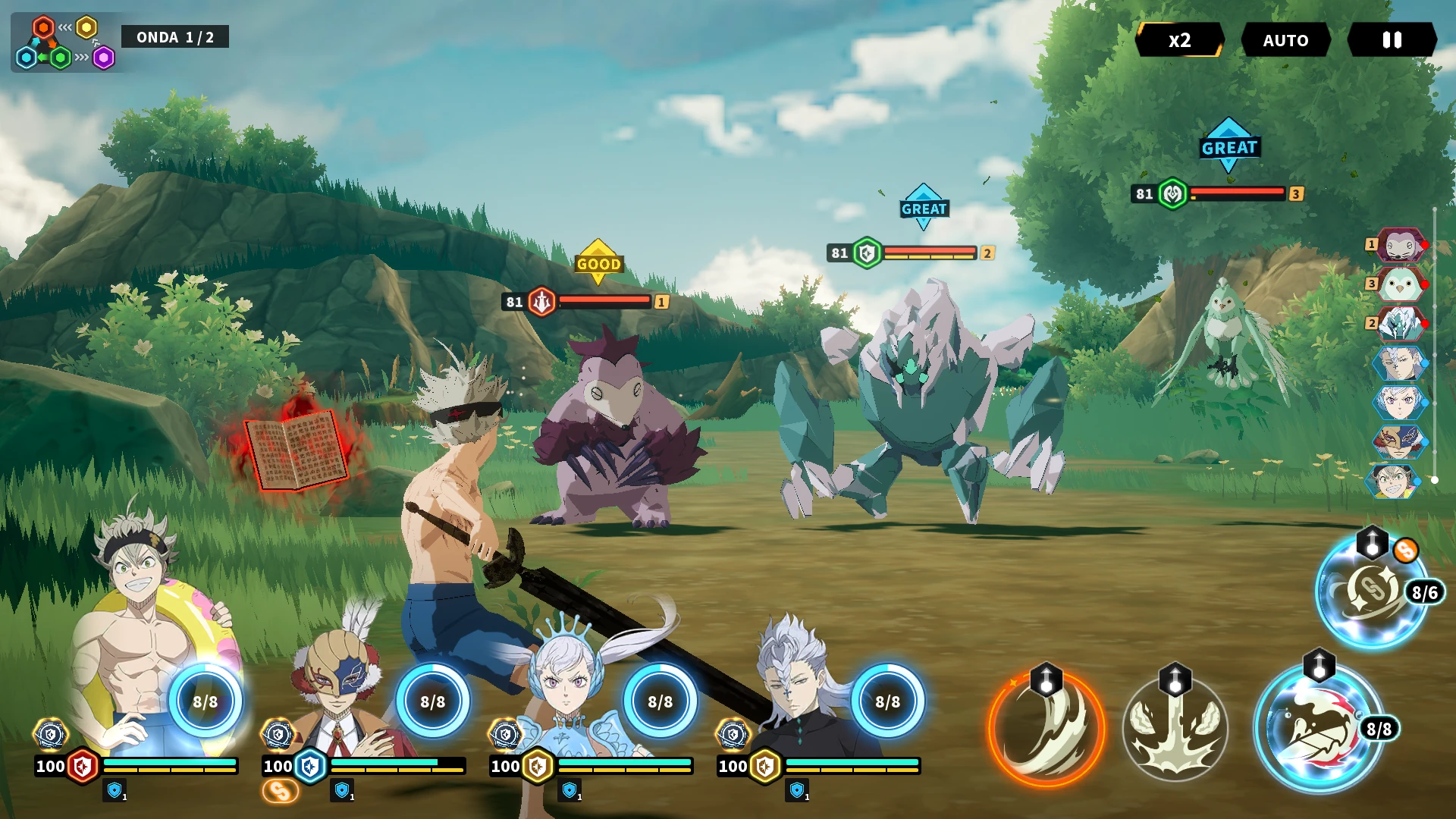
Every choice matters
Combine your mages and their abilities in turn-based battles.
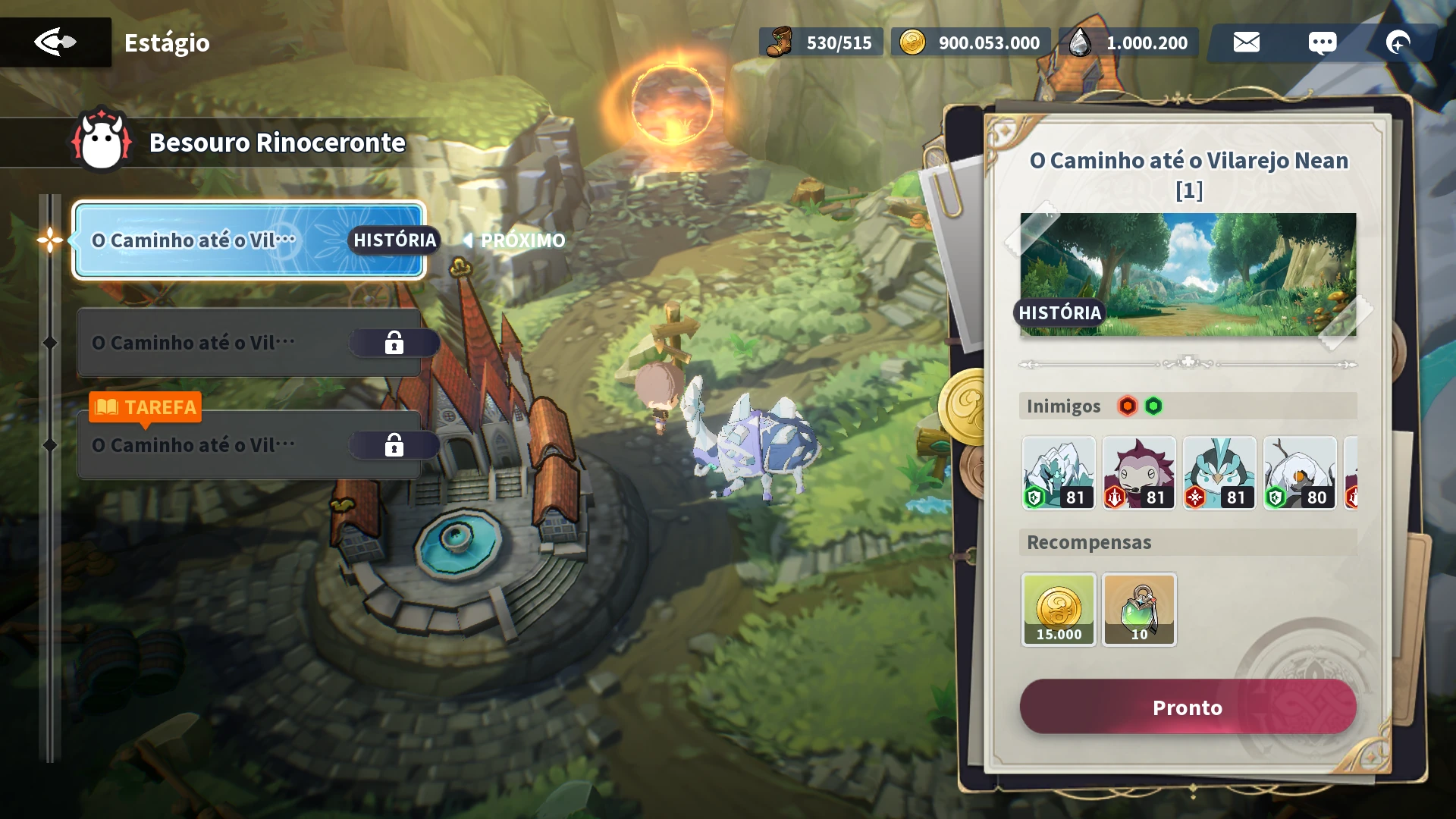
The kingdom awaits
Explore Clover’s locations and meet its characters again.
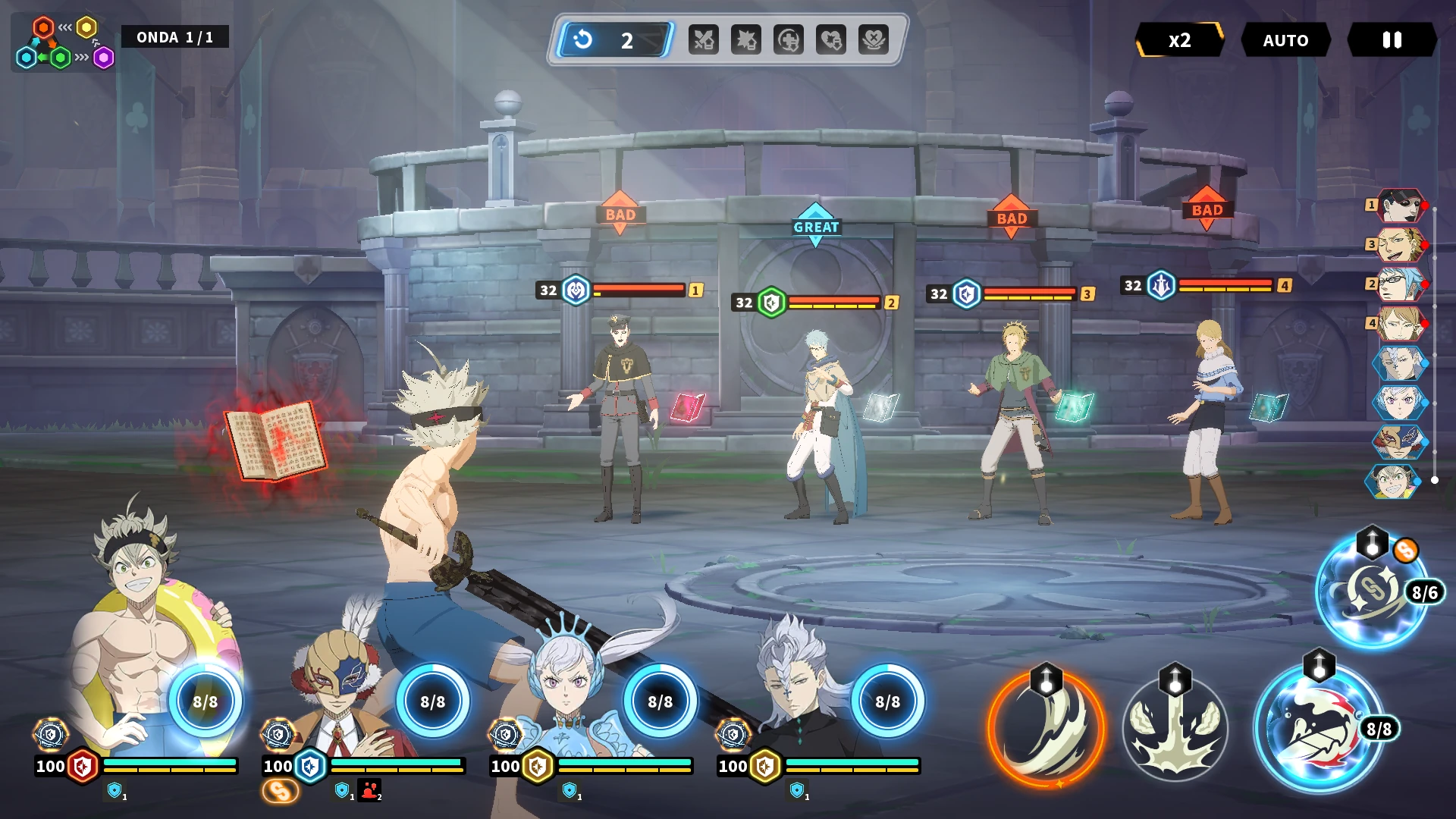
The next battle
Bring your team to the arena and try new strategies.
Join the adventure
Access is organized through Discord. Follow the installation path before entering the game.
Installation guideJoin the community
Choose your squad when joining the server and follow the team’s announcements.
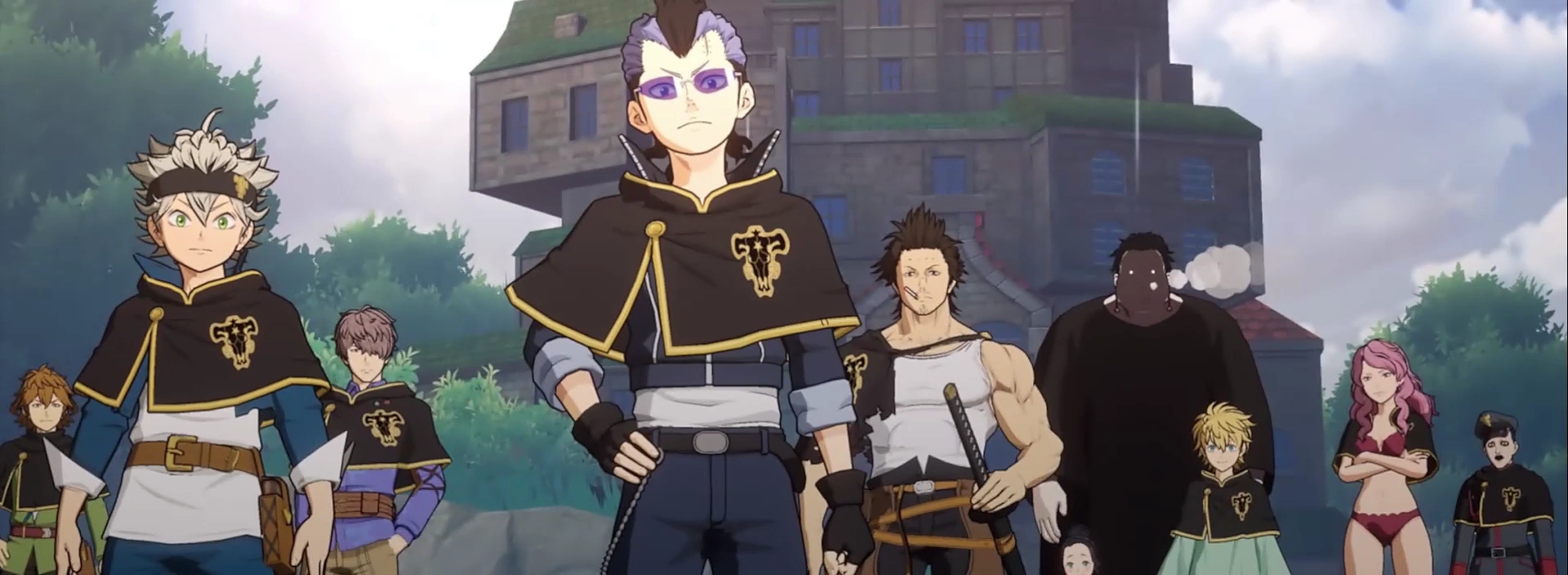
Find your squad
The Tavern is your meeting place. Share team builds, follow development and find company for your next battle.
Found a problem? Create a post in the bug forum with steps to reproduce it and an image or video. A useful report helps the project move forward.
Be part of this story
Every contribution helps keep our kingdom standing.
Before
you begin
What is Black Clover: Arise?
An independent fan project and community for playing and following the development of Black Clover: Arise. The project is in development and bugs may occur.
Do I need an invitation?
Yes. Join Discord and use the button in resgatar-convite. Each Discord account can claim one code, delivered privately by the bot. Keep your code private.
How do I play on PC?
You need MuMu Player and an installed Android 12 instance. Request access to the package on Google Drive, wait for Touch’s approval and follow the installation guide.
Can I start from the emulator?
On PC, always start through the project launcher, every session. Launching directly from the emulator skips the launcher’s updates.
What about Android phones?
The current Android package and instructions are in the Discord downloads channel. Check the team’s announcements before installing.
Where do I report a bug?
Use the reporte-um-bug forum on Discord. Search first and create one post per issue with reproduction steps, expected and actual results, and a screenshot or video.
Does support give power?
No. The supporter role and Hall of Fame provide recognition on Discord. Exclusive outfits are planned as visual-only cosmetics, without stats or competitive advantages. A profile border is still under consideration.